Flat Light for Centering, Raking Light for Surface: Re-Shoot Rules Before You Pre-Screen
Flat light for centering and pre-screen; raking for surface. Re-shoot when the shot fails its criterion — before you trust a tool score or submit/hold.
Loading...
Flat light for centering and pre-screen; raking for surface. Re-shoot when the shot fails its criterion — before you trust a tool score or submit/hold.
In short: Straight-on flat light is what pre-screen and centering tools can use; raking light and in-hand checks catch surface and edge tells photos can hide. If the shot fails the criterion it is meant for, re-shoot before you trust a tool score or a submit/hold call.
Wrong light makes wrong grading decisions. A soft flat phone JPEG runs through a pre-screen or centering checker, looks “clean,” then a raking pass shows scratches the tool never saw. This piece is a re-shoot gate before you trust pixels — not another three-photo gallery.
Cardhound’s guest hub teaches condition literacy with lighting recipes on one card. This CardGrade spoke assumes that literacy and answers the next question: which shot is good enough to feed a pre-screen or centering tool, which defects still need a re-shoot or loupe, and when to hold. For the recipes, use the same-card lighting recipes on Cardhound Vintage.
Disclosure: CardGrade.io is operated by TCG Treasury LLC. Jamie Budesky writes for CardGrade and related TCG Treasury properties. Tools read the pixels you give them — they are not a lab grade.
Square-on tools need a capture bar you can enforce every time: card parallel to the camera; even / flat light with no hotspot washing a border; full card in frame, front and back; no sleeve glare bloom; no heavy digital crop inventing soft corners; no auto-beautify that invents or erases wear.
Tools read what the pixels allow. They do not invent surface honesty from a forgiving light. Centering ratios and border silhouette are fair game on a clean flat pair; “surface looks fine” on that same pair is not proof.
When the flat pair clears that bar, CardGrade’s free centering tool is useful triage — after the shoot is honest, not instead of fixing the light. Capture baseline: phone camera vs scanner for card grading.
Head-on JPEGs understate scratches, creases, wax/print texture, fine corner fiber, edge chips, and warp. Those need raking light, true macro, or in-hand / loupe.
How to light those tells: same-card lighting recipes on Cardhound Vintage. This spoke stays on when to re-shoot vs when to trust a tool.
| Shot type | Criterion it can support | Fail mode (re-shoot / don’t trust tool) |
|---|---|---|
| Flat / straight-on, even light | Centering ratios; border silhouette; corner outline for triage | Camera tilt → fake OC; uneven light → soft borders; crop zoom → fake soft corners |
| Flat + full front/back pair | Pre-screen / AI triage input; listing honesty baseline | Missing back; sleeve reflections; motion blur; heavy filters |
| Glare / specular-only “surface” shot | Proof that glare hides defects (warning flag) | Treating glare bloom as “clean surface”; using glare as only surface evidence |
| Raking / angled light | Scratches, creases, texture, wax/print tells, warp | Using raking frames to call centering; calling a grade from one sheen angle |
| Macro / true close detail (not digital crop) | Corner fiber, edge chip, print line confirmation | Phone digital zoom crop sold as macro; soft focus called “wear” |
| In-hand / loupe | Final surface & edge call before submit/hold | Skipping in-hand when flat JPEG “looked fine” |
Bottom line: Re-shoot until each criterion has the right light. Then tool. Then submit/hold.
Photos are not a lab grade. Encapsulated results still belong to the grading companies. If flat and raking disagree, value-at-risk is high, or your eye and the tool diverge on surface, stop: loupe, second opinion, or hold the card out of the mailer. Use is my card worth grading for submit/hold economics after the photo gate.
Even, square-on flat light; card parallel to the camera; full front and back; no sleeve glare bloom, heavy crop, or beautify filters. Pass that gate, then upload. Add a raking pass before you trust surface.
Flat light supports centering ratios, border silhouette, and tool triage. Raking (angled) light reveals scratches, creases, texture, and many print/wax tells. Do not swap them.
Only if the pixels show them. Soft head-on light and glare often hide surface. Tools cannot invent honesty from a forgiving JPEG.
When the capture fails the criterion it is meant for: tilt, uneven light, missing back, glare-only “surface,” digital-zoom corners, or disagreement between flat and raking.
A good scan can give a very flat, even pair for centering and triage. Phones win on speed and raking flexibility if you control parallel framing and light. See phone camera vs scanner.
Yes when surface, edges, or high value-at-risk are in play. A clean flat pre-screen is not a loupe pass.
Related: same-card lighting recipes on Cardhound Vintage · centering tool · phone vs scanner · corner macro vs crop · edges & surface · worth grading?
CardGrade.io tool-workflow spoke under the Cardhound Vintage guest hub. Lighting literacy on the guest; re-shoot → tool → submit/hold here.
Jamie Budesky — Shippensburg, PA; small-town collector; veteran-owned TCG Treasury.
Even, square-on flat light; card parallel to the camera; full front and back; no sleeve glare bloom, heavy crop, or beautify filters. Pass that gate, then upload. Add a raking pass before you trust surface.
Flat light supports centering ratios, border silhouette, and tool triage. Raking (angled) light reveals scratches, creases, texture, and many print/wax tells. Do not swap them.
Only if the pixels show them. Soft head-on light and glare often hide surface. Tools cannot invent honesty from a forgiving JPEG.
When the capture fails the criterion it is meant for: tilt, uneven light, missing back, glare-only “surface,” digital-zoom corners, or disagreement between flat and raking.
A good scan can give a very flat, even pair for centering and triage. Phones win on speed and raking flexibility if you control parallel framing and light. See phone camera vs scanner for card grading.
Pre-screen your cards before submitting to PSA, BGS, or CGC. Plans from $4.99/mo.
Pre-screen free in 60 secondsAlso available as a Chrome Extension
Grade cards while you browse
Install our free Chrome Extension — right-click any card on eBay, COMC, or TCGPlayer for a grade in ~60 seconds.

Founder, CardGrade
Jamie Budesky is the founder of CardGrade and the engineer behind its AI vision grading pipeline. An Army veteran and IT specialist (DoD, since 2017), he writes about card grading, AI/ML grading technology, and collecting strategy — grounded in CardGrade's own grading data.
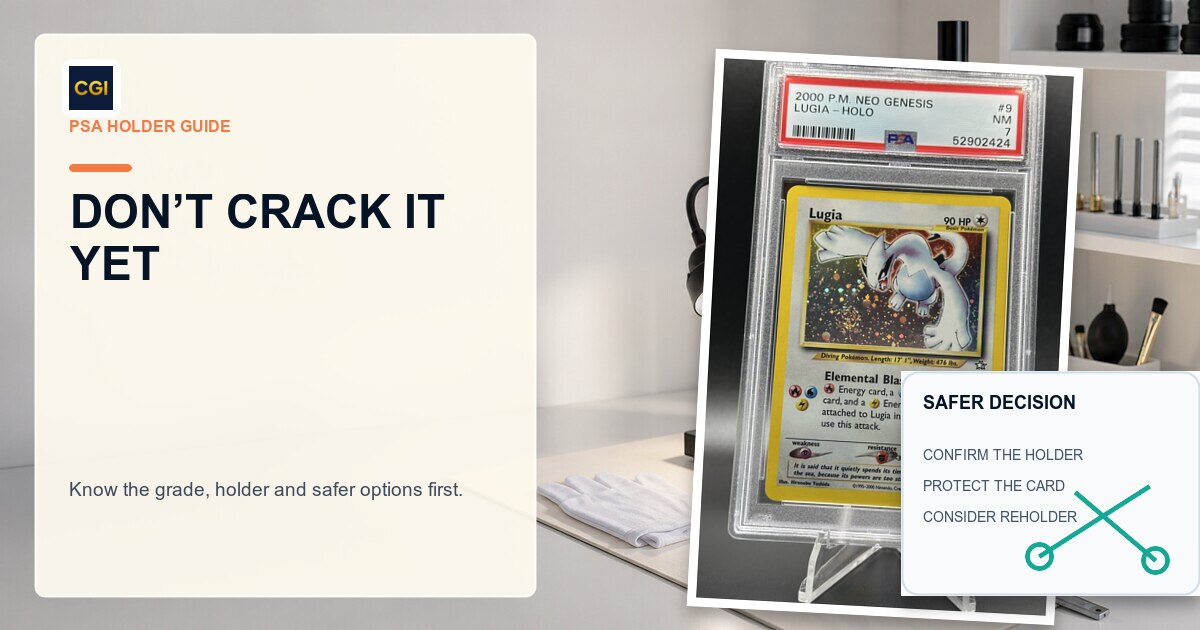
Thinking about breaking a PSA holder? Know what happens to the grade, why newer slabs change the risk, and when PSA Reholder or Review makes more sense.
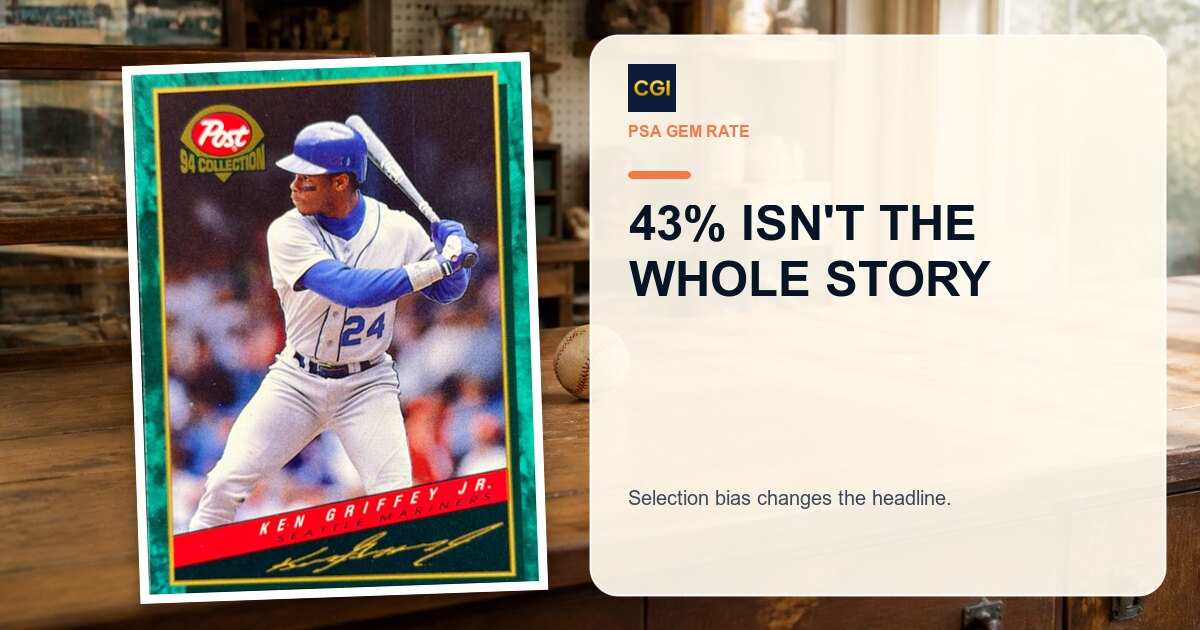
The widely cited 43% PSA 10 gem rate hides a massive selection bias. Our analysis of thousands of cards reveals the real odds of getting a PSA 10 -- and how pre-screening changes everything.
Yes when surface, edges, or high value-at-risk are in play. A clean flat pre-screen is not a loupe pass.
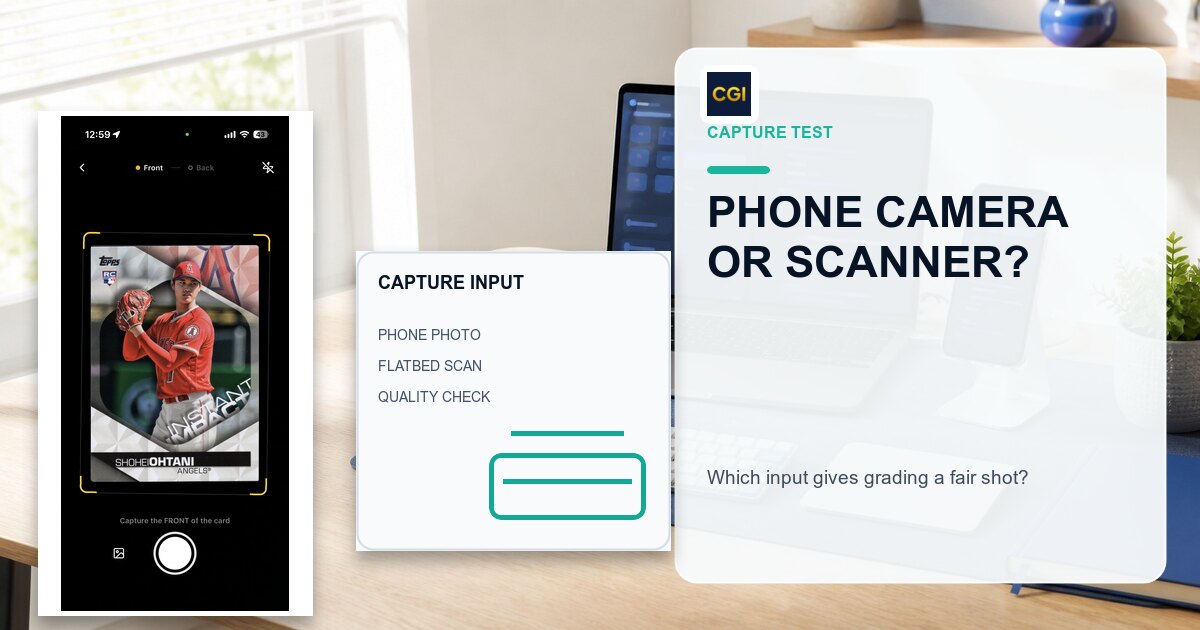
Should you use your iPhone camera or a flatbed scanner for AI card grading? We break down image quality, convenience, accuracy, and when each method makes sense.