How AI Detects Card Centering, Corners & Surface Issues | CardGrade
Technology
How AI Detects Card Centering, Corners & Surface Issues
A technical deep-dive into how AI analyzes card centering, corners, edges, and surface quality — and how CardGrade.io's tools help you understand your cards.
Jamie Budesky·Founder, CardGrade·Published Feb 21, 2026 · Updated Aug 7, 2026·12 min read
The Science Behind AI Card Analysis
When a professional grader evaluates a trading card, they are doing something remarkably complex: comparing a physical object against an internalized standard built from years of training and thousands of cards examined. They tilt the card under light, examine corners with a loupe, measure centering by eye, and synthesize all of this into a single number.
AI card grading replicates this process computationally, and in some areas, it exceeds human capabilities. This article takes a technical look at exactly how AI analyzes each of the four grading categories — centering, corners, edges, and surface — and explains the computer vision techniques that make it possible.
Whether you are a collector trying to understand your AI grades or a tech-curious hobbyist, this deep-dive will give you a thorough understanding of what happens when you upload a card to CardGrade.io.
Centering Detection: Precision Measurement
Centering is the most mathematically straightforward aspect of card grading, and it is where AI has its clearest advantage over human evaluation.
How Professional Graders Assess Centering
Human graders estimate centering visually. They look at the border width on each side of the card and determine whether the printed image is properly centered within the card's physical borders. Different companies have different tolerances:
The challenge is that human estimation of centering is imprecise. What one grader sees as 55/45 another might see as 60/40, and that difference can affect the grade.
How AI Measures Centering
CardGrade.io's centering analysis follows a precise computational pipeline:
Step 1: Card boundary detection. The AI first identifies the physical edges of the card in the image. This uses edge detection algorithms that find the sharp transition between the card and the background. The system compensates for slight camera angles and perspective distortion.
Step 2: Border region identification. Within the card boundary, the system identifies the border — the area between the card edge and the printed image area. This requires understanding the card's layout, which varies by manufacturer, set, and era.
Step 3: Border width measurement. The AI measures the border width at multiple points along each side (left, right, top, bottom). Rather than taking a single measurement, it samples dozens of points to account for printing variations and produces an average border width for each side.
Step 4: Ratio calculation. With precise border measurements, the system calculates centering ratios: left-to-right and top-to-bottom. A result of 50/50 means perfect centering. A result of 55/45 means the image is slightly shifted.
Step 5: Grade mapping. The centering ratios are mapped against each grading company's known tolerances to predict how that aspect would score.
Why AI Centering Is More Reliable
This process is deterministic. Given the same image, the AI produces the same measurement every time. There is no estimation, no visual approximation, and no subjectivity. The measurement is either correct or incorrect, and it can be verified independently with a ruler.
Try it yourself with CardGrade.io's centering tool. Upload a card and you will receive exact centering ratios that you can cross-check against your own measurements. For a complete guide on how centering affects grades, read our centering guide.
Corner Analysis: Pattern Recognition at Scale
Corner evaluation is where AI's pattern recognition capabilities truly shine. Each card has four corners, and each corner can exhibit a range of defects at varying severity levels.
Common Corner Defects
Professional graders look for these corner issues:
Whitening: The card stock's white core becomes visible at the corner, indicating wear
Dings: Small indentations or impacts at the corner
Rounding: Loss of the corner's sharp point
Fraying: Fibrous separation of the card stock layers
Bending: The corner is bent or creased
How AI Analyzes Corners
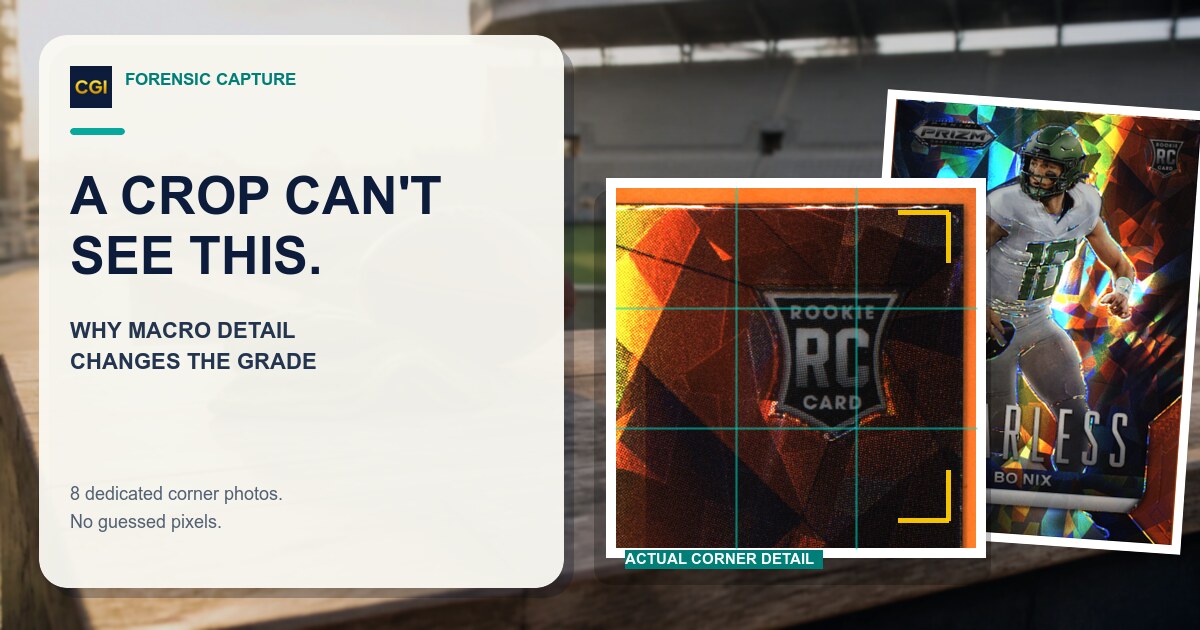
Step 1: Corner localization. The system identifies each of the four corners and extracts a high-resolution crop of each one. This is crucial because corner defects are often tiny — just a few pixels in a standard photo.
Step 2: Edge profile analysis. For each corner, the AI traces the edge profile — the shape of the corner's outline. A perfect corner has a tight, consistent curve. A worn corner shows irregularities in this profile.
Step 3: Color analysis. The system examines color transitions at the corner. Whitening appears as lighter pixels where the card stock's core is exposed. The AI compares the corner color against the card's normal edge color to detect even subtle whitening.
Step 4: Texture analysis. Using texture analysis algorithms, the AI detects fraying, roughness, and surface disruption at the corners. These texture patterns are compared against training data of corners at known grade levels.
Step 5: Severity classification. Each detected defect is classified by severity — minor, moderate, or significant — based on the training data. A tiny spec of whitening barely visible under magnification is scored differently than obvious corner rounding.
Step 6: Grade impact calculation. The system determines how each corner's condition affects the overall corner sub-grade, accounting for the fact that the worst corner often has the most impact on the grade.
Training Data Matters
The accuracy of corner analysis depends heavily on the quality and quantity of training data. CardGrade.io's models are trained on hundreds of thousands of card corner images labeled with known professional grades. This massive dataset allows the AI to distinguish between, for example, factory-cut corner softness (which is less penalized) and wear-induced corner rounding (which is more heavily penalized).
Edge Evaluation: Perimeter Scanning
Edge analysis examines the entire perimeter of the card — all four edges between the corners. This is a different challenge from corner analysis because edges present a longer area to evaluate with a wider variety of potential defects.
Common Edge Defects
Chipping: Small pieces of the card's surface layer have separated, often visible as tiny white specks along a dark border
Whitening: Similar to corner whitening, but along the edge
Denting: Indentations along the edge from impact or pressure
Rough cuts: Inconsistent or jagged factory cutting
Splitting: The card's layers separating at the edge
Ink transfer: Color from another card transferred during stacking
How AI Evaluates Edges
Step 1: Edge extraction. The AI extracts a high-resolution strip along each of the four edges. Think of it as "unrolling" the card's perimeter into four straight strips for analysis.
Step 2: Baseline establishment. The system determines what a clean, undamaged edge looks like for this specific card. This accounts for the fact that different card stocks, manufacturers, and print runs have different "normal" edge appearances.
Step 3: Anomaly detection. Using the established baseline, the AI scans for deviations — pixels that are lighter, darker, or differently textured than expected. Each anomaly is a potential defect.
Step 4: Defect classification. Detected anomalies are classified as specific defect types. Chipping has a different visual signature than denting, and the AI has been trained to distinguish between them.
Step 5: Impact assessment. The severity and distribution of edge defects are assessed. A single small chip is less impactful than multiple chips spread across all four edges. The AI weights defect severity, quantity, and distribution to predict the edge sub-grade.
CardGrade.io's edge analysis tool provides a detailed edge evaluation, highlighting specific areas of concern along each edge.
Surface Analysis: The Complex Frontier
Surface grading is the most challenging category for both human and AI graders. The card's surface encompasses everything that is not a corner, edge, or centering issue — and the range of potential defects is vast.
Common Surface Defects
Scratches: Linear marks on the card's surface coating
Print defects: Missing ink, ink spots, color registration errors
Creases: Fold lines across the card
Staining: Discoloration from liquid or chemical exposure
Indentation: Impressions on the surface from pressure
Wax staining: Residue from wax pack packaging
Roller marks: Lines from the printing press rollers
Silvering: Foil or holographic layer deterioration
How AI Analyzes Surfaces
Step 1: Surface segmentation. The AI separates the card's surface into analyzable regions. The image area, text areas, border areas, and any foil or holographic sections are treated differently because each has different visual characteristics and different defect signatures.
Step 2: Reflectivity and texture mapping. The system creates a texture map of the entire surface, identifying areas of consistent texture versus areas with disruption. Scratches, for example, create linear disruptions in an otherwise uniform texture.
Step 3: Color consistency analysis. The AI examines color uniformity across the surface. Staining and discoloration appear as color deviations from the expected pattern. Print defects show as unexpected color variations in the printed image.
Step 4: Structural analysis. Creases and indentations are detected through their effect on light reflection and shadow patterns. A crease creates a visible line with subtle shadow differences on either side.
Step 5: Defect cataloging. Each detected surface defect is cataloged with its type, severity, location, and estimated grade impact.
The Photo Quality Factor
Surface analysis is the category most affected by photo quality. A well-lit, high-resolution photo allows the AI to detect subtle surface defects accurately. A poorly lit or low-resolution photo can either miss defects (false negative) or misidentify normal texture as defects (false positive).
Best practices for surface analysis:
Use diffused, even lighting — avoid direct flash
Shoot at highest resolution available
Minimize glare and reflections
Ensure the entire surface is in sharp focus
Consider taking multiple photos under different lighting conditions
Use CardGrade.io's surface analysis tool to see a detailed surface breakdown of your cards.
The 16-Zone Inspection Framework
When CardGrade.io grades a card, it does not simply generate four sub-grades. It examines 16 distinct inspection zones that together provide a comprehensive condition assessment. These points span across all four grading categories:
Centering Points
Left border width (sampled at multiple positions)
Right border width (sampled at multiple positions)
Top border width (sampled at multiple positions)
Bottom border width (sampled at multiple positions)
Each inspection point contributes to the overall grade calculation through a weighted model that reflects how professional grading companies prioritize different defects.
How AI Grades Map to Professional Grades
The final step in AI grading is translating the technical analysis into predicted professional grades. This is where machine learning truly shines.
The Mapping Model
CardGrade.io does not use simple rules like "if centering is better than 55/45, give it a 10 for centering." Instead, the system uses machine learning models trained on hundreds of thousands of cards with known professional grades. These models have learned the complex, sometimes subtle relationships between specific defect patterns and the grades that professional companies assign.
Company-Specific Predictions
Because PSA, BGS, and CGC have different grading standards, the AI generates separate predictions for each company. A card might predict as a PSA 10 but a BGS 9.5, reflecting the real-world differences in how these companies evaluate cards. For an overview of how these companies differ, see our card grading companies comparison.
Confidence Scoring
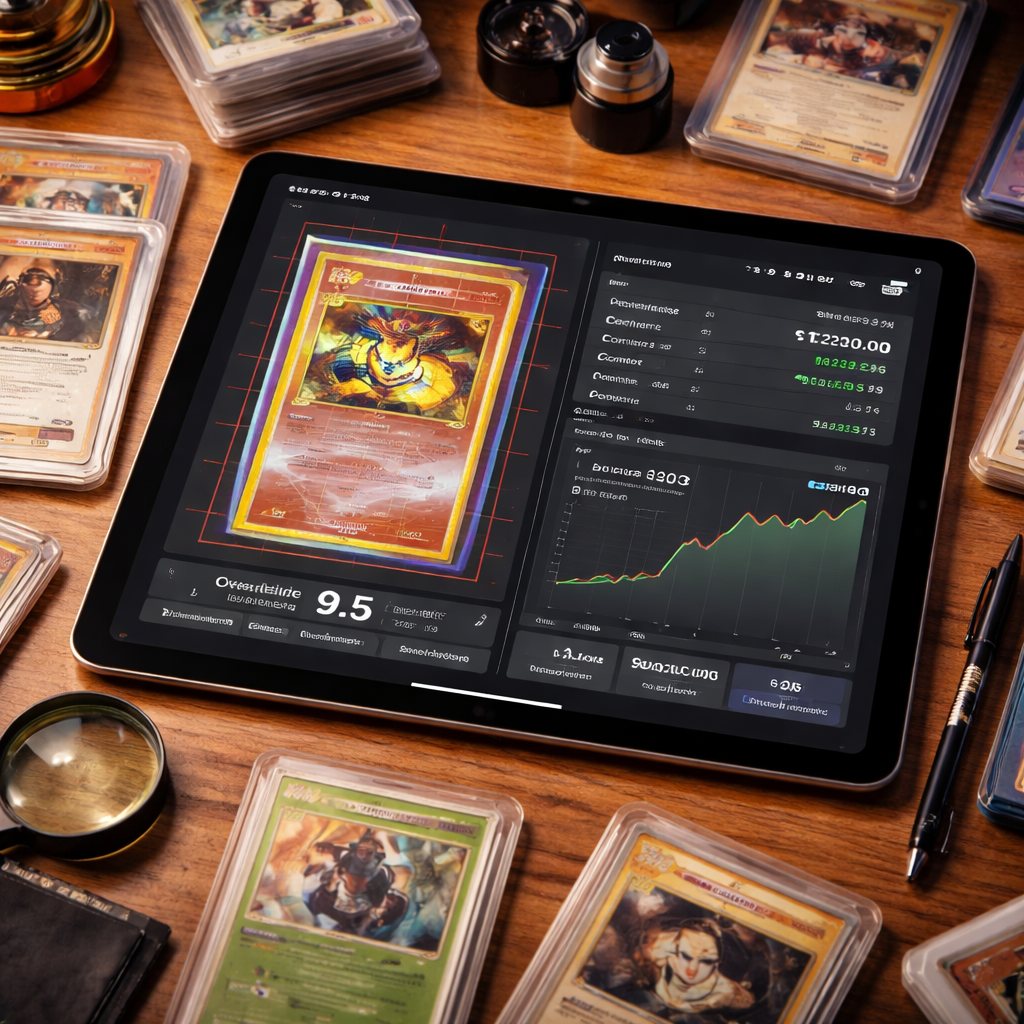
Not all predictions carry the same certainty. CardGrade.io provides confidence scores that indicate how reliable the prediction is for each specific card. A borderline card between two grades will show lower confidence than a card that clearly falls within a grade's range.
Practical Applications
Understanding how AI detects card issues helps you make better use of the technology:
Targeted Photo Technique
If you know that surface analysis depends heavily on lighting, you can prioritize even, diffused lighting when photographing cards you suspect have surface issues. If centering is your concern, ensuring the card is perfectly flat and the camera is directly overhead improves measurement accuracy.
Defect Prioritization
When you receive your AI grade and see that corners scored lower than other categories, you know exactly where to focus your inspection with a loupe. The AI's category-level breakdown tells you where to look.
Submission Strategy
Understanding that different grading companies weight categories differently allows you to strategically choose where to submit. A card with slightly off centering might score better at PSA (which allows 60/40 for a 10) than at BGS (which requires tighter centering for a 10).
Get Started
Ready to see AI card analysis in action? Sign up for CardGrade.io and get plan credits. Upload a card and explore the detailed inspection results across all four grading categories.
Or try the individual tools for free:
Centering Tool — Measure your card's centering with pixel-level precision
Jamie Budesky is the founder of CardGrade and the engineer behind its AI vision grading pipeline. An Army veteran and IT specialist (DoD, since 2017), he writes about card grading, AI/ML grading technology, and collecting strategy — grounded in CardGrade's own grading data.