Can You Trust AI Card Grading? 7 Checks
AI card grading can support a visible-condition pre-screen, but it cannot authenticate a card or guarantee a professional grade. Learn how to test it.
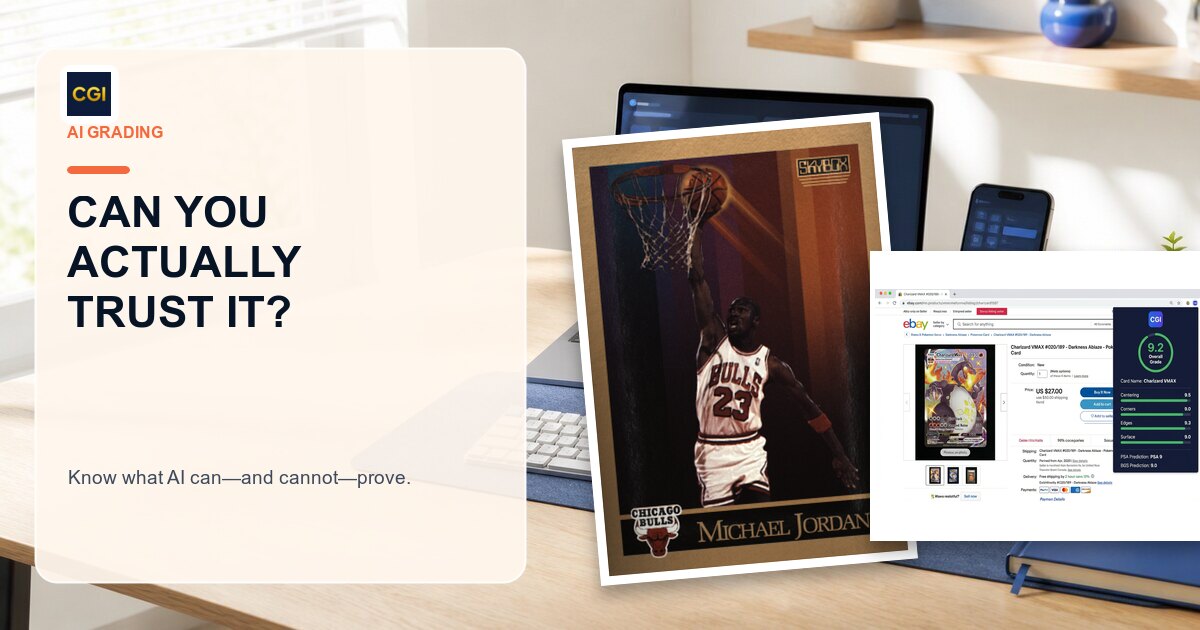
Loading...
AI card grading can support a visible-condition pre-screen, but it cannot authenticate a card or guarantee a professional grade. Learn how to test it.
You can trust AI card grading for a limited, clearly defined job: organizing visible condition evidence from the photos you provide. It can help you notice centering differences, corner wear, edge damage, or surface concerns and decide which cards deserve a closer physical inspection.
You should not treat an AI result as authentication, an official PSA, BGS, CGC, SGC, or TAG grade, a market appraisal, or a guarantee that a professional grader will agree. A camera cannot reproduce every angle, lighting condition, magnification check, stock test, or alteration review available during an in-hand examination.
That distinction is the basis for a useful answer to questions such as “do AI grading apps work?” and “are AI grading apps accurate?” The technology can work as a photo-based pre-screen without replacing the physical grader who makes the final decision.
Disclosure: CardGrade publishes this guide, so it is not an independent CardGrade.io review. The checks below are designed to help you test the workflow yourself instead of relying on our opinion.
For the broader workflow, start with our complete guide to AI card grading. For the division of labor between software and a grading company, see AI vs human card grading.
Trust should not mean blindly accepting a number. It should mean knowing what produced the result, what the tool could observe, what it could not observe, and what decision the result is appropriate for.
A trustworthy pre-screen should help you answer questions such as:
It should not claim to prove that a card is authentic, unaltered, or guaranteed to receive a particular slab grade. Those conclusions require the procedures of the professional service examining the physical item.
An image-based result can only evaluate what the camera reveals. Even capable analysis can be undermined by poor capture.
A card photographed at an angle can appear narrower on one side. Keep the camera parallel with the card, show all four edges, and avoid perspective distortion. The free card centering tool can help you measure the visible borders, but its output is still a measurement from the supplied image—not a professional grade.
Holofoil and chrome surfaces change dramatically as the card moves under light. One reflection can hide a scratch; another can look like a defect that is not on the card. Photograph the front and back under even light, then tilt the physical card slowly under directional light before making a submission decision.
A soft or heavily compressed image may conceal fine whitening, print lines, or small dents. Fill the frame without cropping the card, tap to focus, and inspect the saved image at full size. If a corner needs closer evidence, use a true macro rather than enlarging a blurry crop. Our Forensic Capture guide explains that difference.
Sleeves, top loaders, one-touch holders, and slabs introduce scratches, dust, glare, and edge lines that may be mistaken for card defects. A holder also prevents a complete physical check. When it is safe to do so, capture a raw card on a clean, neutral surface. Never crack a professional slab merely to obtain a better AI image.
The safest way to use an AI result is to verify the visible observations against the physical card.
Centering is comparatively measurable because you can compare opposite borders. Check left-to-right and top-to-bottom on both the front and reverse. A ratio can help organize your review, but grading companies use their own current standards and evaluate the complete card.
Inspect all four corners from the front and back. Look for whitening, rounding, fraying, compression, peeling, or a small bend. A favorable full-card image should not overrule a corner defect you can see in hand.
Review each edge under good light and change the viewing angle. Look for chipping, silvering, whitening, rough cuts, separation, dents, or peeling. The free edge grading tool can organize visible observations, but it cannot feel the stock or see behind glare.
Surface is often the hardest category to capture. Tilt the card and inspect both sides for scratches, print lines, roller marks, dents, stains, residue, scuffs, creases, and gloss changes. Use the surface inspector for a second image-based view, then rely on the physical card for issues the camera did not reveal.
If you are searching for a CardGrade.io review, the most useful test is one you can reproduce yourself. Do not start with a card whose condition or authenticity is unknown.
Eligible new accounts may receive one full grade free, which makes this kind of limited test possible without assuming the tool is right in advance. Eligibility and current product terms can change, so confirm the offer shown in the app.
This exercise tests the workflow that matters to you. It is more informative than a universal accuracy percentage that does not describe the cards, images, model version, comparison standard, or evaluation method behind it.
Suppose you have 40 modern cards and intend to submit only five. A pre-screen can help flag visibly off-center examples or cards with obvious wear so you can spend more time inspecting the strongest candidates. The final decision should still include current grading fees, shipping, insurance, recent completed sales, and the physical card.
New collectors can use category-level feedback as a checklist. If a result flags an edge concern, find that edge on the card and examine it under better light. The objective is to improve your own inspection—not to memorize an AI number.
Using the same background, distance, lighting, and front/back sequence makes it easier to compare cards. Consistent photographs do not turn an estimate into an official grade, but they make the pre-screen more interpretable.
A favorable result can justify a careful macro or angled-light inspection. An unfavorable result can tell you where to look before abandoning a candidate. In both cases, the software guides attention rather than issuing the final verdict.
Counterfeits, trimming, recoloring, restoration, stock differences, rebacking, and other alterations may require physical examination, specialist knowledge, or dedicated equipment. Use a professional authentication service when authenticity matters.
Seller photos may be compressed, cropped, edited, or lit to minimize defects. Do not use an AI estimate from listing images as proof of condition or authenticity. Inspect the card in person when practical, use buyer protections, verify any existing certification with the grader, and seek qualified help for material transactions.
An image-based condition estimate is not a market appraisal. Value depends on exact card identity, authenticity, grade, grader, population, demand, timing, venue, and recent comparable sales. Use appropriate documentation and professional advice for insurance or financial decisions.
No photo-based tool controls the result issued by PSA, BGS, CGC, SGC, TAG, or another grader. The grading company applies its own current standards and procedures to the physical card. A pre-screen can support a submit-or-skip decision; it cannot bind the grader.
Be cautious when a tool or promotion suggests any of the following without clear evidence and limitations:
For CardGrade’s current accuracy discussion and its limits, read Is AI card grading accurate?. The important question is not whether software or people are universally “better.” It is whether the evidence is adequate for the specific decision you are making.
The pre-grade before PSA checklist provides a step-by-step version of that process. If you need authentication, encapsulation, or a market-recognized grade, compare the current card grading companies and let the selected service make the physical-card decision.
AI card grading can be trustworthy as a transparent, image-based pre-screen of visible condition. It is most useful when the photos are controlled, the result can be checked against the physical card, and the collector understands the limits.
It should not be trusted as authentication, an official grade, an appraisal, or a guaranteed professional outcome. Use CardGrade to decide where to look and which cards may deserve further work; use an in-hand inspection and a professional grading company when the decision requires more than the photos can prove.
AI card grading can be useful as a structured pre-screen of visible condition in clear photos. It should not be treated as authentication, an official professional grade, an appraisal, or a guarantee that a grading company will agree.
They can help organize visible observations such as centering, corner wear, edge damage, and surface concerns when the images reveal those details. Their usefulness drops when photos are angled, blurry, cropped, reflective, compressed, or taken through a scratched holder.
Accuracy depends on the cards, images, model version, comparison standard, and test design. A universal percentage without that context is not enough to predict an individual result. Treat the output as an estimate and verify it against the physical card.
No. CardGrade provides an image-based condition pre-screen. It does not authenticate the physical card or holder, certify that a card is unaltered, assign an official PSA, BGS, CGC, SGC, or TAG grade, or encapsulate the card.
CardGrade can provide an estimated outcome from the supplied photos, but it cannot determine or guarantee PSA’s final in-hand grade. PSA applies its own current standards and procedures to the physical card.
Pre-screen your cards before submitting to PSA, BGS, or CGC. Plans from $4.99/mo.
Pre-screen free in 60 secondsAlso available as a Chrome Extension
Grade cards while you browse
Install our free Chrome Extension — right-click any card on eBay, COMC, or TCGPlayer for a grade in ~60 seconds.

Founder, CardGrade
Jamie Budesky is the founder of CardGrade and the engineer behind its AI vision grading pipeline. An Army veteran and IT specialist (DoD, since 2017), he writes about card grading, AI/ML grading technology, and collecting strategy — grounded in CardGrade's own grading data.
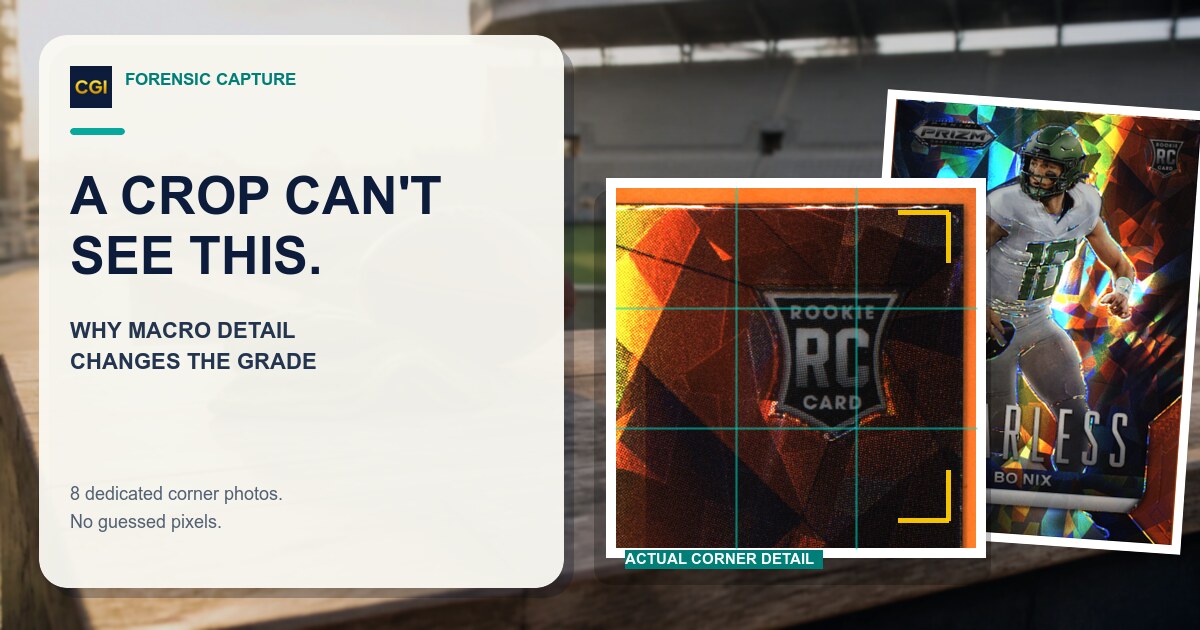
Zooming into one photo cannot recover detail the camera never captured. Why per-corner macro capture changes what AI grading can actually see, and when to use it.

Forensic Capture is CardGrade's premium grade: eight per-corner macros, stitched live, for sharper whitening, fraying, and edge-wear detection.
You can run a preliminary screen, but seller photos may be compressed, cropped, edited, angled, or lit to hide defects. Do not use an image estimate alone to authenticate a card, prove its condition, or make a high-value purchase.
No image-based condition estimate is a market appraisal. Value depends on exact identity, authenticity, condition, professional grade, grader, population, demand, timing, venue, and recent comparable sales.
Use several cards whose condition you already understand, capture consistent front and back images, review category-level observations, compare them with the physical cards, and recapture when glare, focus, crop, or angle could affect the result. Eligible new accounts may receive one full grade free; confirm current terms in the app.
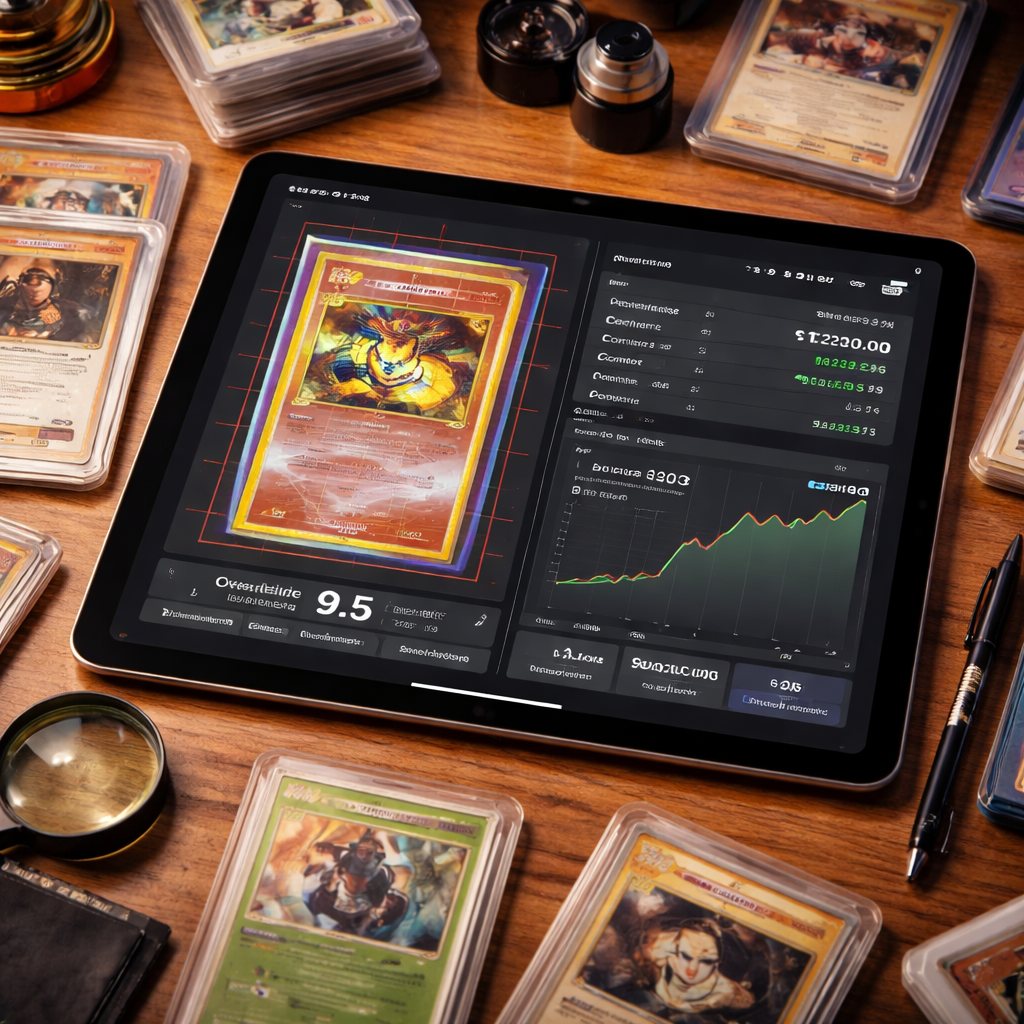
Use a card grading app to pre-screen visible condition before you pay to submit. CardGrade runs on iPhone, Android, and desktop web—PSA, BGS, and CGC estimates in ~60 seconds.